


By Louis Balla, Chief Revenue Officer, Nuage. Updated October 2026.
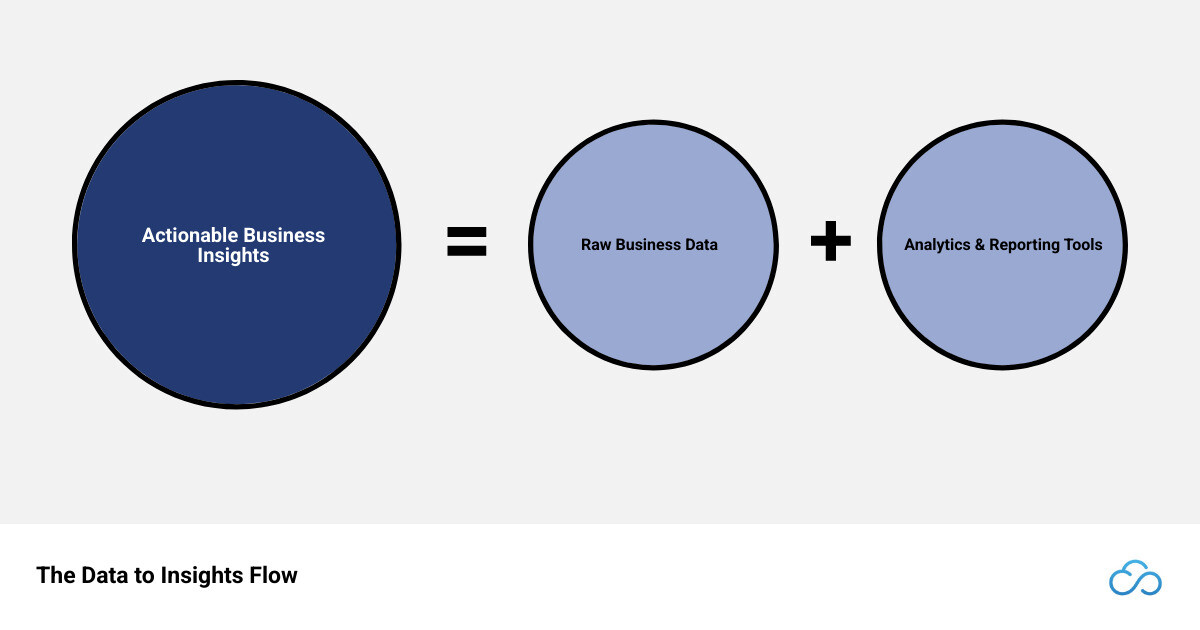
Analytics and reporting tools collect business data and present it so people can act on it. Reporting tools show what happened, in scheduled reports and dashboards. Analytics tools help explain why it happened and what is likely next. The main options are spreadsheets, reports built into your ERP, Excel add-ins, BI platforms, data warehouses and code-based analysis.
What is the difference between reporting and analytics?
Reporting gathers data and presents it in a set structure, such as a table or dashboard, so people can see what happened in a period. A monthly sales report answers a question like “How many orders did we ship in September?” Analytics works on the same data to find patterns and causes and to estimate what comes next. It answers questions like “Why did gross margin drop in the third quarter?” A finance team uses both: reports to watch KPIs on a schedule, and analysis when a number moves and someone has to explain it.
| Reporting | Analytics | |
|---|---|---|
| Question it answers | What happened? | Why did it happen, and what is likely next? |
| Typical output | Scheduled reports, dashboards and financial statements | Drill-downs, trend and variance analysis, forecasts |
| Usual users | Executives, managers and frontline staff | Financial analysts, business analysts and data teams |
| When it runs | Daily, weekly or monthly on a schedule | When a question comes up, and during planning cycles |
Types of analytics and reporting tools compared
Analytics and reporting software falls into six broad types, and a company can run more than one. For example, a finance team might close the month on ERP reports while sales runs a BI dashboard that combines ERP and CRM data.
| Type | Good fit for | What to plan for | Usually run by |
|---|---|---|---|
| Spreadsheets, such as Microsoft Excel | Ad hoc analysis, one-off models and small data sets | Exported data goes out of date and copies multiply. An Excel worksheet holds up to 1,048,576 rows. | Anyone in the business |
| Reporting built into the ERP, such as NetSuite reports, saved searches, SuiteAnalytics Workbook and dashboards | Financial statements, operational lists and KPIs on each role’s home page | Report definitions and search filters need an owner as the account grows. Data from other systems needs an integration first. | Controllers, accountants and NetSuite administrators |
| Excel add-ins connected to the ERP | Board packs and financial models in a familiar spreadsheet, refreshed with ERP data | Formulas built in the workbook sit outside the ERP, so version control and reconciliation need a process | FP&A and finance teams |
| BI platforms | Visual dashboards that combine ERP data with CRM, e-commerce and other systems | A connector for each source and a data model to maintain. Whether a figure ties back to the source transaction depends on the setup. | Executives, analysts and BI developers |
| Data warehouse with a BI layer | Large volumes and long history from many systems in one place | SQL and data-modeling skills, plus another system to run and pay for | Data engineers and analysts |
| Code-based analysis in Python or R, often in Jupyter notebooks | Statistical models and custom forecasts | Programming skills, and a way to turn results into reports other people can use | Data scientists and technical analysts |
Our guide to NetSuite reporting solutions compares the NetSuite-specific options in more depth, including planning tools.
What features should analytics and reporting tools have?
Use this list to compare tools of the same type:
- Data connections: pre-built connectors or an API for each system you report on, such as the ERP, CRM, e-commerce platform and shared spreadsheets.
- Visualization: charts and dashboards that users can filter and drill into without asking an analyst.
- Scheduling and alerts: reports delivered to the right people on a set schedule, and a notice when a KPI crosses a threshold you define.
- Permissions: control over who can see, edit and share each report, which matters once reports include payroll or margin data.
- Data governance: one agreed definition and owner for each metric, so two reports of the same figure agree.
- Room to grow: capacity for the data volume and the number of users you expect in two or three years.
Reporting and analytics when NetSuite is your system of record
NetSuite’s native tools read from the same transaction records your team posts every day, so a user can drill from a summary line down to the transactions behind it. Standard and financial reports, saved searches, SuiteAnalytics Workbook and role-based NetSuite dashboards are built for finance and operations reporting. When a report also needs data from outside NetSuite, SuiteAnalytics Connect gives BI tools and data warehouses database access to NetSuite data. Ask your account team whether your subscription includes it. Our guide to SuiteAnalytics Connect explains how it works, and our guide to combining NetSuite and Salesforce data covers a common combined-reporting case.
Dashboards that replaced weekly manual reports
At NextFoods, a food and beverage company, our Stratus team automated 15 manual workflows and built reporting dashboards that replaced weekly manual reports. Monthly close went from 4 to 6 weeks to under 2 weeks.
Most reporting tickets we handle are solved in settings and report definitions
Before you add a tool, check whether the report you need is a change to one you already have. We classified 3,241 client support tickets Nuage handled between February 2023 and July 2026, and 296 of them were about reports, saved searches and dashboards. In 200 of those 296, the fix was a change to settings or to a search or report definition, with no new code.
Test the filters when a spreadsheet report moves into a reporting tool
Moving a report out of a spreadsheet means rebuilding its logic as filters, and a filter that is set wrong can leave data out without showing an error. An energy developer asked us to recreate an operating-expense dashboard that lived on an Excel tab, showing spend by month and by controllable cost type. In review, the dashboard returned no data for some entities. Our consultant traced it to a budget-category filter that matched only one budget and to two subsidiary filters that conflicted. The conflicting filter was removed and the report retested before the next review. Whatever tool you choose, compare the new report with the old one for each entity before you retire the spreadsheet.
How to choose an analytics and reporting tool
Five questions narrow the choice:
- Which questions does the business need answered, and which reports do people already run, including spreadsheet tabs?
- Where does the data live? If nearly all of it is in the ERP, start with the native tools. If a report combines several systems, you need a connector or a warehouse.
- Who will build and maintain the reports, and do they write SQL or code?
- Does an auditor or reviewer need to trace each figure back to a source transaction?
- What will the tool cost in licenses, and how much staff time will reports take to build and keep current?
Then shortlist two or three tools and ask each vendor for a trial or a proof of concept that uses a sample of your own data.
How Nuage approaches reporting and analytics projects
In recent reporting projects, our team has worked in this order:
- Start from the report people use now. It might be a NetSuite report, a saved search or a tab in Excel, and we confirm which decision or review it supports.
- Check whether a native report or search can answer it. In our support records, most reporting requests were solved by changing settings or a report definition.
- Rebuild the logic and test it against the old version for each entity, so a filter does not quietly leave data out.
- Put the result on the right dashboard or a delivery schedule so the weekly manual version can stop.
Our team does this work as part of ongoing NetSuite optimization and managed services.
Analytics and reporting tools FAQ
What are examples of analytics and reporting tools?
Common examples are spreadsheets such as Microsoft Excel; reporting built into an ERP, such as NetSuite’s financial reports, saved searches and SuiteAnalytics Workbook; Excel add-ins that refresh ERP data into a workbook; BI platforms for visual dashboards across systems; data warehouses that combine many sources; and programming languages such as Python and R for statistical analysis.
Is analytics the same as reporting?
The two use the same data for different jobs. Reporting summarizes what happened in a set format, such as a monthly income statement or a sales dashboard. Analytics examines the data to explain a change or estimate what comes next, such as why margin dropped in one region. Many reporting tools include some analytics features, such as drill-down and trend charts.
Do we need a BI tool if we already use NetSuite?
It depends on where your data lives. If your reports draw mainly on NetSuite transactions, native reports, saved searches, SuiteAnalytics Workbook and dashboards are built for that work, and figures drill back to the source transactions. A BI platform helps when a dashboard combines NetSuite data with CRM, e-commerce or other systems. Ask your account team whether your subscription includes SuiteAnalytics Connect.
How do you choose analytics and reporting software?
Start with the questions the business needs answered and the reports people already run, including spreadsheet tabs. Then list where the data lives, who will build and maintain reports, and whether figures must trace back to source transactions for an audit. Shortlist the tools that fit those answers and test them on a sample of your own data before you sign.
About the author
Louis Balla is Chief Revenue Officer at Nuage, a NetSuite optimization partner that has served 250+ clients since 2011 and holds a 4.9 out of 5 rating on Clutch. The client reporting projects in this article are our team’s work.


